
If you have ever heard someone say that kids should learn coding early and thought how is that even possible, Scratch is usually the answer people give.
Scratch is a free coding platform made for beginners. It is mainly used by kids, students, and people who have never written code before. Instead of typing commands, you build things by dragging colorful blocks and snapping them together. This makes learning feel less like studying and more like playing around on a screen.
Even in 2026, Scratch is still one of the first tools schools introduce when teaching programming. I have seen it used in classrooms, after school clubs, and even by parents at home who want their kids to learn something useful without feeling overwhelmed.
What Is Scratch in Simple Words
Scratch is a visual programming language created to help people understand how coding works without needing technical knowledge.
Every action in Scratch is a block. One block moves a character. Another block plays a sound. Another one repeats an action or makes a decision. You connect these blocks like puzzle pieces to tell your project what to do.
Because there is no typing involved, beginners are free to experiment. If something breaks, you just move the blocks around until it works. That trial and error process is exactly how real programming works, just without the frustration.
Who Created Scratch and Why It Exists
Scratch was created by the Lifelong Kindergarten group at the MIT Media Lab. The idea behind it was simple but powerful.
Coding should be creative. It should feel like drawing, writing stories, or building with Lego blocks. Not like memorizing rules from a textbook.
The team wanted kids to think like creators instead of just consumers of technology. That mindset is one of the reasons Scratch has stayed relevant for so many years.
Who Is Scratch Actually For
Scratch is mainly designed for kids aged eight and above, but that does not mean older people cannot use it.
I have seen teenagers use Scratch to understand game logic before moving to more advanced languages. I have also seen adults open Scratch for the first time and suddenly understand loops and conditions in a way that finally clicks.
Scratch is ideal for
- Kids learning their first coding concepts
- Teachers introducing programming in classrooms
- Parents looking for a safe learning tool
- Beginners of any age who feel intimidated by code
What Can You Make With Scratch
This is where Scratch becomes fun.
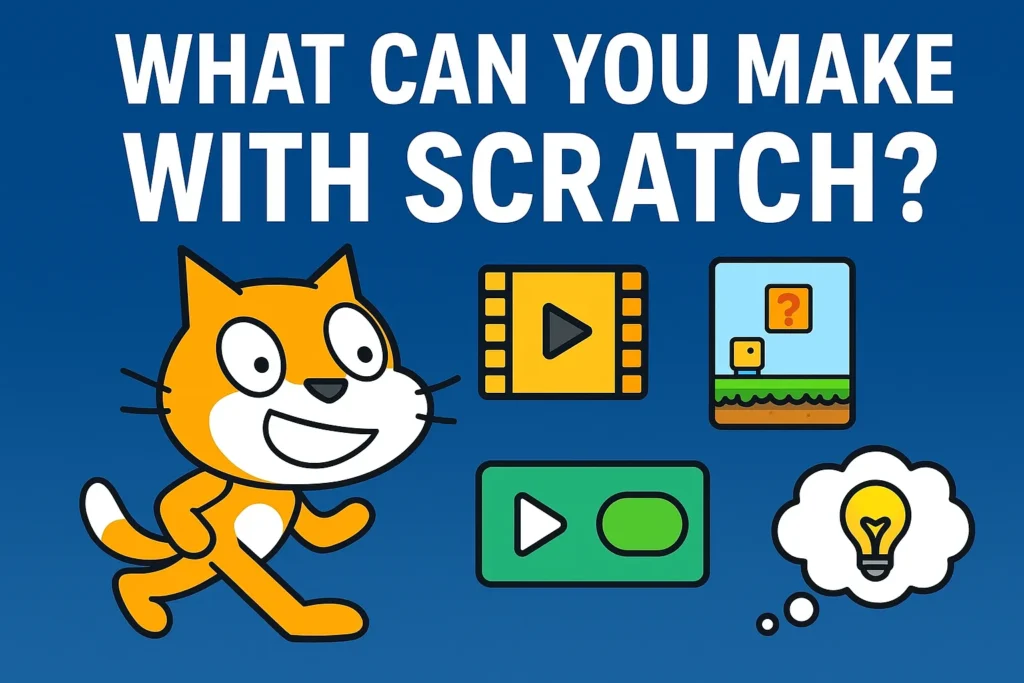
You can make simple animations where characters talk and move. You can build games where players jump, dodge obstacles, or collect points. You can even create interactive stories where choices change the outcome.
Some popular things people build in Scratch include
- Platform games inspired by popular titles
- Music projects with custom sounds
- Math games for learning numbers and logic
- Interactive quizzes and storytelling projects
The projects may look simple at first, but the logic behind them is very real.
How Scratch Actually Works
Scratch uses three main parts.
- Sprites are the characters or objects in your project.
- The stage is the background where everything happens.
- Blocks are the instructions that control behavior.
You give instructions by snapping blocks together. For example, you might tell a character to move forward when a key is pressed or repeat an action forever.
Under the hood, Scratch is teaching the same logic used in real programming languages. Things like loops, conditions, events, variables, and functions are all there. They are just presented in a way that does not scare beginners.
Is Scratch Safe for Kids
Yes, Scratch is considered very safe. Scratch has a large moderation system and clear community guidelines. User generated content is monitored, and parents can limit interaction if they want to.
There is no private messaging with strangers, and inappropriate content is quickly removed. That is one of the reasons schools trust Scratch so much.
Still, like any online platform, parental awareness is always a good idea.
Do You Need to Download Scratch
No. Scratch works directly in a web browser. You can also download an offline version if you want to use it without internet access. Both versions offer almost the same features.
All you really need is a basic computer and an internet connection.
What Skills Does Scratch Teach
Scratch is not just about coding. It teaches problem solving because projects rarely work perfectly the first time. It teaches creativity because users design their own characters and stories. It also teaches logical thinking and patience.
Most importantly, Scratch builds confidence. Once someone realizes they can make something interactive from scratch, learning more advanced tools feels less intimidating.
Is Scratch Still Worth Learning in 2026
Yes, absolutely. Scratch is not meant to replace professional programming languages. It is meant to prepare you for them.
Understanding Scratch makes it much easier to move on to languages like Python or JavaScript later. You already understand how logic flows. You already know how programs think.
Scratch gives you that foundation without the stress.
What Comes After Scratch
Once someone feels comfortable with Scratch, the next step is usually a text based language.
Many people move on to Python because the logic feels familiar. Others explore game development tools or web development.
The important thing is that Scratch removes the fear. And that alone makes it worth learning.
Leave a Comment